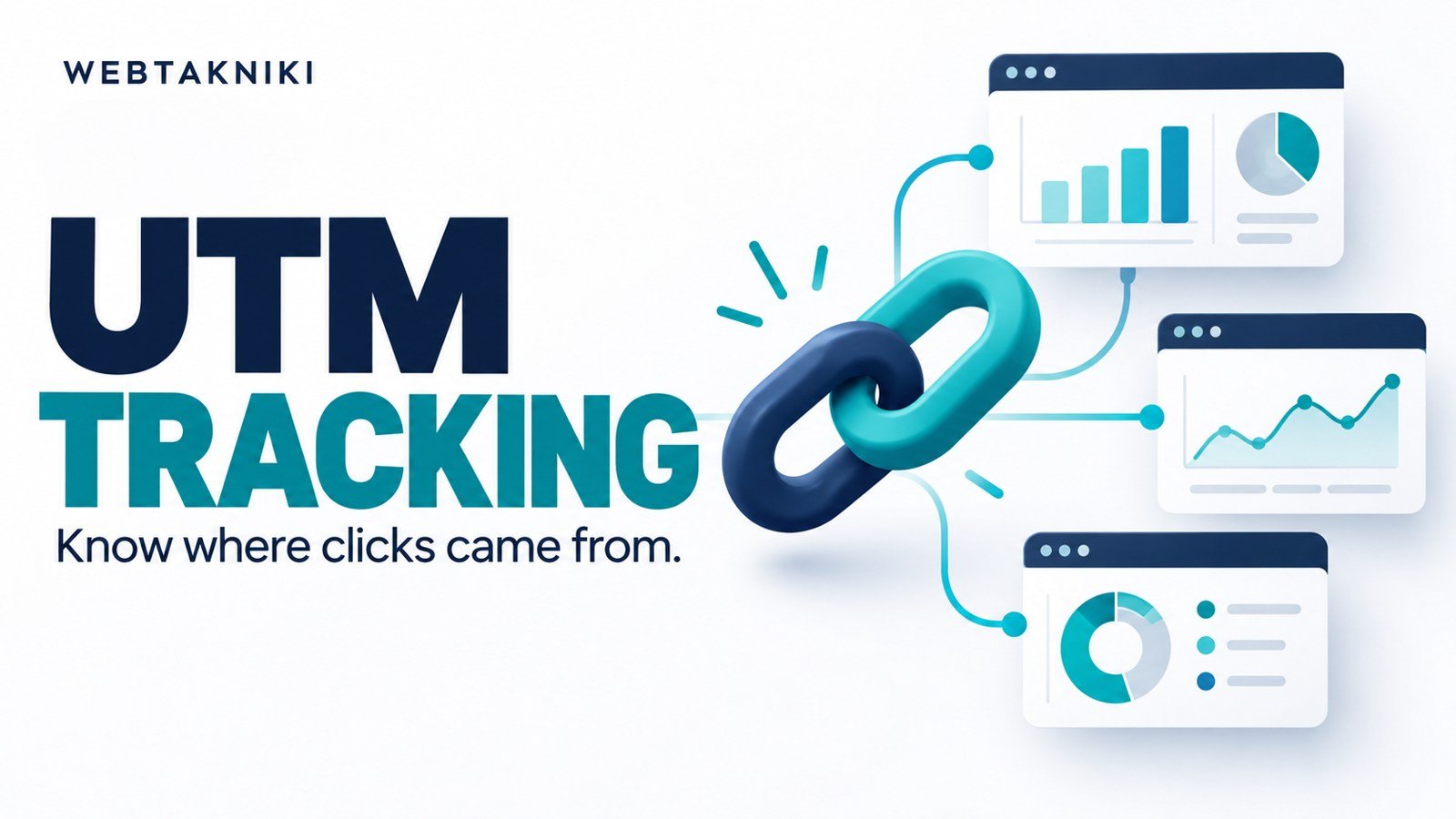
सीधा जवाब: Ad के website URL में consistent UTM parameters लगाएं, final destination पर उन्हें test करें और form या CRM में approved तरीके से source capture करें। GA4 की session report और individual enquiry की attribution अलग evidence हैं। UTM लगाने से हर conversion automatically सही ad को credit नहीं मिलती।
कौन-सा ad enquiries ला रहा है, यह सवाल तभी स्पष्ट होगा जब campaign naming और lead definition पहले तय हों। “Facebook से आया” source बता सकता है; कौन-सी creative और कौन-सा offer था, यह जानने के लिए campaign तथा content labels उपयोगी हैं। Labels में personal information न रखें।
चार parameters से शुरुआत करें
utm_source traffic source, utm_medium channel classification, utm_campaign campaign और utm_content creative या placement अलग करने में मदद करते हैं। अपनी team के लिए naming sheet बनाएं। उदाहरण में facebook, paid_social, website_services_nov और video_a labels हो सकते हैं। यह naming illustration है, platform की mandatory naming नहीं।
Case और spelling consistent रखें। Google Analytics की official URL tagging guidance parameters और reporting समझाती है। “Facebook” और “facebook” को हर tool एक जैसा group करेगा, ऐसा assume न करें।
एक साफ illustrative URL
https://example.com/website/?utm_source=facebook&utm_medium=paid_social&utm_campaign=website_services_nov&utm_content=video_a
यह example domain है, आपकी live campaign link नहीं। Actual landing page के बाद पहला parameter ? से और अगले parameters & से जुड़े होते हैं। पहले से query string हो तो दूसरा question mark न लगाएं। Spaces और Hindi labels को ठीक encode करने के लिए trusted URL builder या platform का supported field उपयोग करें।
Meta के URL parameters field में क्या रखें?
अपने ad editor में website destination और tracking या URL parameters वाला field देखें। Interface account के अनुसार बदल सकता है। Dynamic parameters उपलब्ध हों तो editor में दिख रहे supported tokens ही चुनें। किसी पुराने tutorial का macro अंदाज से paste न करें। Ad name बाद में बदलने पर reporting कैसे दिखेगी, यह भी test और documentation से समझें।
हर ad के लिए final preview URL inspect करें। Parameter duplicate न हों, campaign label सही हो और page load हो। Shortener, redirect या plugin query string हटा रहा हो तो landing पर original campaign information खो सकती है। सिर्फ ad editor में text मौजूद होना end-to-end test नहीं है।
Form में source कैसे पहुंचता है?
GA4 report में tagged visit दिखना और form email में UTM दिखना अलग integration हैं। Enquiry form को query parameters पढ़कर approved hidden fields में store करना पड़ सकता है। Visitor दूसरे page पर जाए तो persistence strategy की जरूरत होगी। First-touch और latest-touch में कौन-सा source रखना है, पहले तय करें।
Hidden field user-controlled input हो सकता है, इसलिए उसे security proof या billing evidence न मानें। Server-side validation और safe handling जरूरी हैं। Private data URL में न रखें क्योंकि URLs logs और analytics में दर्ज हो सकते हैं। Customer को source tracking और storage के बारे में उचित privacy information दें।
एक controlled test का तरीका
Internal test label वाला URL खोलें, फिर landing page, enquiry page और submission तक जाएं। Test enquiry को CRM में clearly mark करें। Check करें कि source, medium, campaign और content सही पहुंचे और actual customer metrics में test न गिना जाए। Mobile और browser conditions बदलने पर behavior अलग हो सकता है।
Form success और email receipt की अलग पुष्टि करें। Thank You page guide confirmation planning में मदद करती है। clicks के बाद enquiry न आने की जांच से पता चलता है कि URL tagging अकेले form की समस्या हल नहीं करता।
GA4, Meta और CRM के numbers अलग क्यों?
Tools की attribution windows, identity, consent और counting rules अलग हो सकती हैं। GA4 session campaign को Meta-reported attributed conversion के बराबर न मानें। CRM में actual enquiry और qualification का business record रखें। तीन reports को force करके बराबर करने से पहले definitions लिखें।
Reporting sheet में spend, website submissions, unique enquiries और qualified enquiries अलग रखें। Calculations की मदद के लिए Meta Ads CSV analysis guide पढ़ें। Source missing हो तो unknown लिखना fabricated campaign credit से बेहतर है।
अक्सर पूछे जाने वाले सवाल
UTM लगाते ही GA4 enquiry दिखाएगा?
नहीं। Enquiry event और उसके measurement setup की अलग जरूरत है। Tagging traffic source समझने में मदद करती है।
क्या customer phone number UTM में डालें?
नहीं। Campaign labels रखें; personal information को tracking URL में न डालें।
क्या हर button का अलग campaign नाम हो?
Campaign को business grouping के लिए रखें और creative या button variation को content label में अलग कर सकते हैं। Consistency ज्यादा जरूरी है।
Landing page से CRM तक enquiry flow चाहिए तो WebTakniki से requirement साझा करें। Measurement definition development scope में शुरू से रखें।
स्रोत जांच: 1 नवंबर 2026। URL और labels illustrative हैं। Cover AI-generated है।
Website की hosting planning
नई WordPress website बनाने की तैयारी है तो Bluehost के hosting options यहां देखें। खरीदने से पहले अपनी website की जरूरत, renewal price, backup, support और plan की शर्तें जांचें। केवल introductory discount देखकर फैसला न लें।
Affiliate disclosure: इस लेख के Bluehost link से योग्य खरीद पर WebTakniki को commission मिल सकता है। अपनी जरूरत और कुल खर्च जांचकर ही plan चुनें।