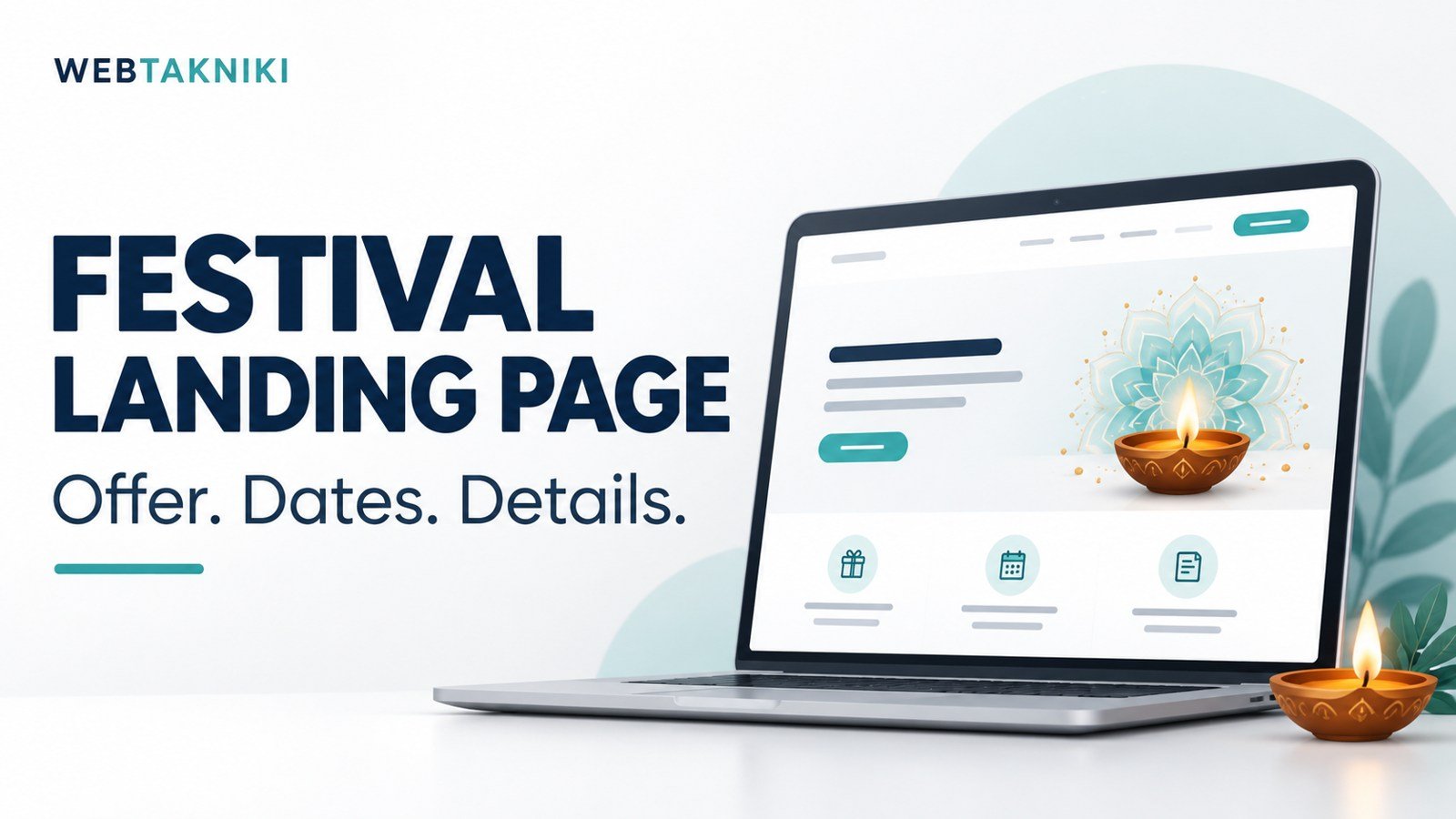
सीधा जवाब: Festival landing page पर offer में क्या मिलेगा, किस कीमत और अवधि पर मिलेगा, कौन eligible है और enquiry के बाद क्या होगा, यह साफ दिखाएं। वास्तविक deadline हो तभी urgency रखें। Banner के साथ page, form और team response भी तैयार हों; केवल festive decoration से offer स्पष्ट नहीं होता।
इस article में sample copy दी गई है। कोई वास्तविक WebTakniki discount, fixed price या limited availability घोषित नहीं की जा रही। Live offer publish करने से पहले business owner actual terms approve करे।
Offer का एक स्पष्ट वाक्य
Service, eligible package और offer benefit लिखें। उदाहरण: “Selected business website package पर approved festival benefit — details के लिए requirement बताएं।” यह भी तभी उपयोग करें जब actual approved benefit हो। Discount की जगह bonus service है तो उसे discount न कहें।
“सब कुछ आधे दाम” जैसे broad वादे तब गलत expectation बनाते हैं जब hosting, domain और maintenance अलग हों। Scope और exclusions उतने ही readable हों जितनी headline। Small print में essential conditions छिपाना reader के निर्णय को कठिन करता है।
कीमत और total payable
Fixed package हो तो current price, applicable tax treatment और included items स्पष्ट करें। Starting price हो तो basic scope तथा higher quote किन जरूरतों पर लगेगा, बताएं। Custom project में बिना discovery final quote देना संभव नहीं तो honest quote process लिखें।
Domain, hosting, licences और future renewal अलग हों तो सामने दिखाएं। Introductory hosting rate को development fee का हिस्सा बताने से पहले actual bundle conditions जांचें। एक illustrative calculation को live offer की price के पास बिना label न रखें।
Validity और eligibility
Start और end date के साथ relevant timezone लिखें। Offer claim करने के लिए enquiry पर्याप्त है, advance payment चाहिए या contract approval, यह business-approved condition स्पष्ट करे। Limited quantity हो तो वास्तविक capacity और tracking हो; fake remaining slots या reset होता countdown न लगाएं।
New customers, selected regions या specific package पर eligibility हो तो साफ बताएं। Existing customers के लिए अलग condition हो तो उसी context में दें। Ambiguous terms team और customer दोनों का follow-up समय बढ़ाती हैं।
Page की practical structure
पहले offer summary और CTA, फिर included scope, proof, process, terms और FAQs रखें। Festive visual attention खींच सकता है, लेकिन mobile पर title या button छिपना नहीं चाहिए। Text को image में ही embed करने की जगह readable page text भी रखें।
Portfolio वास्तविक हो और client permission के अनुसार दिखे। AI-generated festive cover को project screenshot न कहें। News portal जैसी service के scope का उदाहरण public development case से समझ सकते हैं, लेकिन उसमें नया discount invent न करें।
Enquiry form और team readiness
Form में relevant service या offer code captured हो ताकि team को context मिले। जरूरी contact और requirement fields रखें। Customer को actual response expectation दें। Team छुट्टी पर है तो तुरंत callback का वादा न लिखें। Working hours और response owner पहले तय करें।
Submission के बाद receipt और next step साफ हो। Thank You page guide इसमें मदद करती है। Email recipient, spam checks और controlled enquiry receipt test करें; success message अकेला delivery proof नहीं।
Ad और landing page का message match
Ad में “free hosting” कहा है तो page पर उसकी duration, eligible plan और renewal condition होनी चाहिए। Ad और page की deadline अलग नहीं होनी चाहिए। पुराने creative में गलत price रह जाए तो traffic mislead हो सकता है। Campaign launch से पहले सभी active ads का destination review करें।
Clicks हैं लेकिन enquiries नहीं तो website enquiry troubleshooting पढ़ें। Festival के दौरान ज्यादा traffic आने से form या follow-up की operational कमी छिपती नहीं, और स्पष्ट दिख सकती है।
Tracking और reporting
Campaign label, landing page version और offer code का record रखें। Actual submitted, unique और qualified enquiries अलग मापें। Tracking में test entries exclude करें। “Offer page ने sales बढ़ाईं” लिखने से पहले actual customer outcomes और comparable context देखें।
AI से analysis में सहायता लें तो report analysis guide की तरह facts और hypotheses अलग रखें। Fake urgency या unnecessary fields से मिली quantity को quality का substitute न मानें।
Offer खत्म होने पर क्या करें?
Page पर expired offer का status स्पष्ट करें और current enquiry का विकल्प दें। Old price को active offer जैसा न छोड़ें। Ads, banners, navigation और automated replies review करें। Page हटाना जरूरी हो तो existing links और redirect planning सोचें; हर seasonal URL को बिना context homepage पर भेजना उपयोगी नहीं होता।
अगर offer बढ़ाना हो तो owner का नया approval और updated dates चाहिए। पुरानी deadline को quietly reset करने के बजाय current terms साफ दिखाएं। ग्राहक ने पुराने terms में enquiry की हो तो team को उस context का record मिलना चाहिए।
अक्सर पूछे जाने वाले सवाल
Countdown timer जरूरी है?
नहीं। Actual deadline का plain text पर्याप्त हो सकता है। Fake timer न लगाएं।
क्या price छिपाकर सिर्फ form रखें?
Custom quote में process स्पष्ट रखें। Fixed offer हो तो जरूरी price conditions छिपाना reader को भ्रमित कर सकता है।
Offer खत्म होने पर page delete कर दें?
पहले traffic, links और ongoing customer context देखें। Expiry message या planned redirect उपयुक्त हो सकता है।
अपना approved offer और enquiry flow बनवाने के लिए WebTakniki को requirement बताएं। Actual terms, dates और scope पहले तय करें।
Editorial guide तैयार: 1 नवंबर 2026। Sample lines live offer नहीं हैं। Cover AI-generated है।
Website की hosting planning
नई WordPress website बनाने की तैयारी है तो Bluehost के hosting options यहां देखें। खरीदने से पहले अपनी website की जरूरत, renewal price, backup, support और plan की शर्तें जांचें। केवल introductory discount देखकर फैसला न लें।
Affiliate disclosure: इस लेख के Bluehost link से योग्य खरीद पर WebTakniki को commission मिल सकता है। अपनी जरूरत और कुल खर्च जांचकर ही plan चुनें।