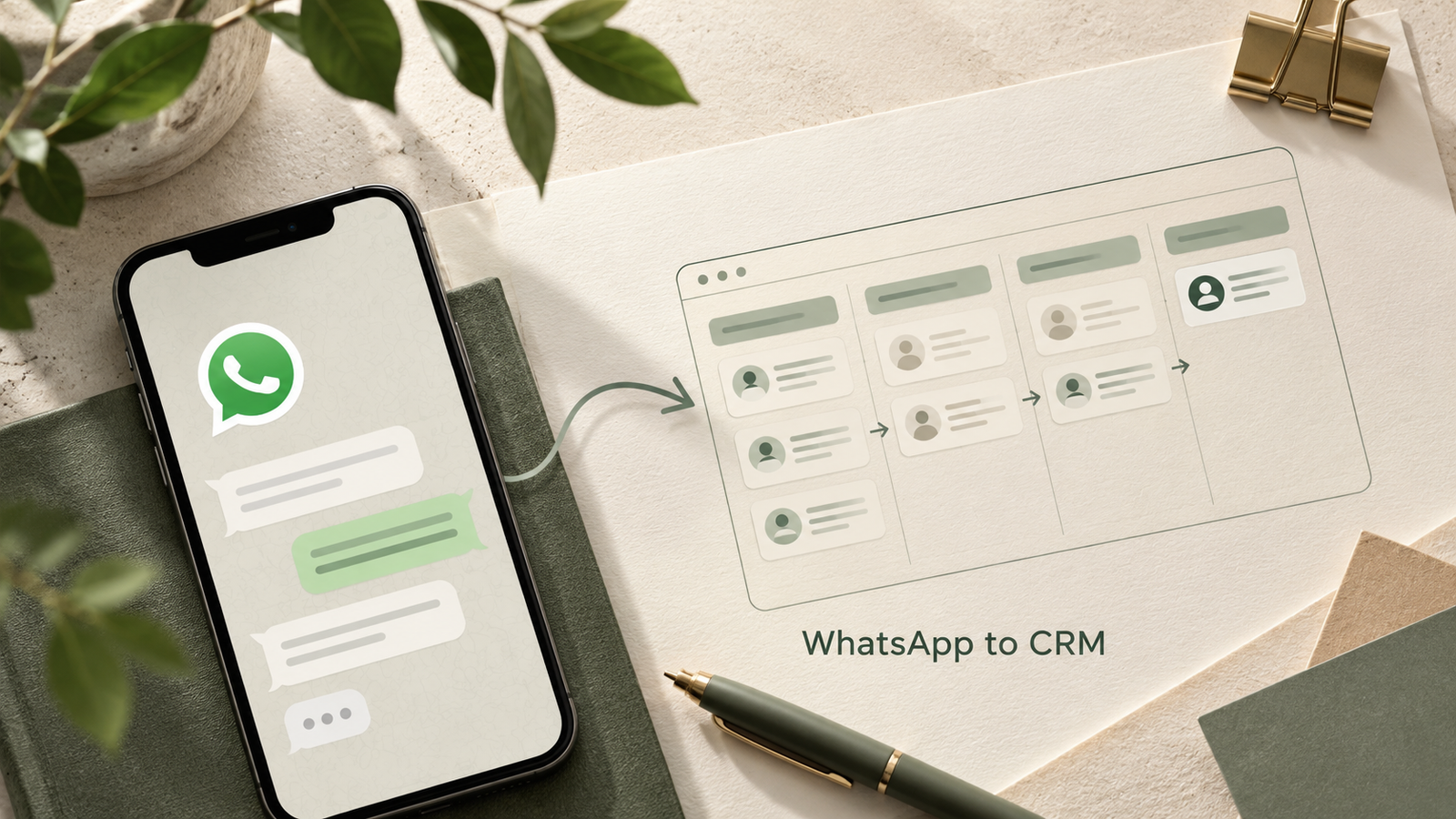
Quick answer: WhatsApp messages से CRM feature list बनाने के लिए पहले personal details हटाएं, messages को enquiry, quotation, follow-up और payment जैसे कामों में बाँटें, फिर AI से evidence सहित जरूरतें और unanswered questions निकालें। Client की approval के बाद ही उन्हें development scope बनाएं। हर message नया feature नहीं होता।
एक client कहता है, “किस customer को quotation भेजा, याद नहीं रहता।” दूसरा message आता है, “कल call करना था, लेकिन छूट गया।” इन दोनों बातों से तुरंत chatbot बनाने का निष्कर्ष निकालना गलत हो सकता है। असली जरूरत quotation history और follow-up reminders की है। इस guide में हम fictional service-business messages से CRM feature list बनाने का practical तरीका समझेंगे। यह planning example है; किसी client की private chat या tested production system का दावा नहीं है।
WhatsApp messages को पहले साफ context दें
CRM यानी Customer Relationship Management system ग्राहक, enquiry और अगली कार्रवाई को एक जगह रखता है। पहले client से पूछें कि messages किस अवधि के हैं, कौन reply करता है और final decision कौन लेता है। नाम, मोबाइल नंबर, addresses, payment details और documents को sample labels से बदलें। केवल relevant text साझा करें; approved data-handling process के बिना पूरी chat AI tool में upload न करें।
Repeated messages को हटाने से पहले देखें कि वे repeated problem तो नहीं बता रहे। “Customer फिर पूछ रहा है” जैसे message response delay का evidence हो सकते हैं। Voice notes का verified text रखें, क्योंकि गलत transcription requirement बदल सकता है। Prompt लिखने का आधार समझने के लिए हमारी Prompt Engineering guide पढ़ें।
Message से business problem और feature अलग निकालें
| Sample message | Problem | Possible feature | Client से सवाल |
|---|---|---|---|
| Quotation भेजा था, मिला नहीं | History बिखरी है | Lead में quotation record | Version और approval कौन रखेगा? |
| कल follow-up छूट गया | Next action track नहीं होता | Due date और owner | Reminder किस समय चाहिए? |
| दो staff ने एक customer को call किया | Ownership अस्पष्ट है | Assigned salesperson | Reassignment कौन करेगा? |
यह table solution की शुरुआत है। AI की अनुमानित बात को confirmed need न लिखें। हर requirement को message reference, business impact और client confirmation के साथ जोड़ें। “Dashboard चाहिए” के बजाय लिखें: manager को आज overdue follow-ups की list owner के अनुसार दिखनी चाहिए।

AI को यह CRM feature list prompt दें
नीचे anonymized business messages हैं। पहले facts, assumptions और missing information अलग बताएं। हर proposed requirement के लिए message reference, problem, user role, input, output, priority और acceptance criterion लिखें। जिन बातों का evidence नहीं है उन्हें question रखें। अभी code न बनाएं। Duplicate requirements merge करें। First version में lead capture, owner, stage, next follow-up और quotation history की जरूरत validate करें। WhatsApp API integration को अलग decision मानें।
Output मिलने पर client के साथ 20-minute review करें। क्या lead New, Contacted, Quoted, Won और Lost stages से चलता है? क्या हर enquiry sale है, या existing-customer support भी आता है? Support को sales pipeline में डालने पर reports गलत हो सकती हैं। Lost reason और duplicate contact rules भी स्पष्ट करें।
पहले version में क्या रखें?
एक छोटे team के लिए contacts, enquiries, activity history, task owner, due date और stage filters अच्छा starting scope हो सकता है। Manager सभी leads देखे, salesperson केवल assigned records देखे और admin users/manage settings संभाले। Export और delete जैसी actions अलग permissions से तय करें। केवल screen पर button छिपाना access control नहीं है; server पर भी permissions जाँचनी होंगी।
Internal reporting का अगला कदम हमारी Retool business dashboard guide में देखें। Approval workflow हो तो Power Apps approval app guide planning में मदद करेगी। Tool चुनने से पहले users, data ownership और recurring cost लिखें।

Acceptance tests से scope तय करें
Example test: salesperson अपनी assigned lead में next follow-up कल 10 AM सेट करे; manager की overdue list में वह आज न आए और deadline निकलने पर आए। दूसरा salesperson URL बदलकर उस lead की private notes न पढ़ सके। Duplicate enquiry आने पर existing contact जुड़े, लेकिन अलग enquiry history बनी रहे। Quotation revise हो तो पुराना version और approved total trace हो।
WhatsApp messages से manual requirement extraction और automatic message ingestion अलग काम हैं। Official integration के लिए platform access, permissions, message rules और costs अलग verify करें। बिना integration के भी manual CRM entry से शुरुआत हो सकती है।
Custom app के लिए सही hosting कैसे चुनें?
पहले app का runtime तय करें। PHP/MySQL वाला छोटा portal compatible shared hosting पर शुरू हो सकता है; Python/Odoo, लगातार चलने वाले workers या अलग services के लिए उपयुक्त VPS या managed platform चाहिए। Hosted SaaS इस्तेमाल करने पर अलग hosting खरीदना जरूरी नहीं है।
अपना project live करना चाहते हैं? Bluehost के current hosting और VPS options देखें या HostArmada पर अपने PHP project के लिए plan जाँचें। खरीदने से पहले support को PHP/Python version, database, cron और backup की अपनी exact जरूरत भेजें।
तुलना के लिए ChemiCloud के plans देखें, FlashCloud की current pricing जाँचें और FastComet के hosting options compare करें। Initial price के साथ renewal, tax, resource limits, restore सुविधा और support coverage लिखकर तुलना करें। किसी plan में हर runtime उपलब्ध मानकर न चलें।
Affiliate disclosure: इन hosting links से खरीदारी पर WebTakniki को commission मिल सकता है। Final price और features provider के checkout पर जाँचें।
अक्सर पूछे जाने वाले सवाल
क्या AI सीधे पूरी CRM requirement तय कर सकता है?
AI draft और patterns निकाल सकता है। Missing context, ownership और priorities client को confirm करनी चाहिए। Approved feature list में assumptions स्पष्ट रखें।
क्या WhatsApp API पहले दिन जरूरी है?
नहीं। पहले lead entry और follow-up process validate करें। Automatic messaging या ingestion की जरूरत हो तभी official integration का अलग scope बनाएं।
CRM feature list कब development के लिए ready है?
जब roles, fields, stages, permissions, reports और acceptance tests पर approval मिल जाए। केवल feature names की list developer को सही scope नहीं देती।
अगला कदम: दस anonymized messages से requirement table बनाएं और client से पाँच सबसे जरूरी requirements approve कराएं। Implementation से पहले OWASP authorization guidance देखें; वह default-deny और permission checks समझाती है। लेख का planning example 7 अक्टूबर 2026 को तैयार किया गया है।